
Your agents already incwo
Claude, ChatGPT, Mistral, Gemini, OpenClaw… Plug your assistant into your incwo data. It reads, creates, transforms and analyzes, within your access rights.
Three ways to connect agents to incwo

incwo MCP
Your data inside your assistant. Quotes, invoices, contacts, products, inventory, cash, HR: your AI reads them and acts on them in natural language.

Your company MCP
Your catalog inside your customers’ and suppliers’ AI. They browse your products, create a quote, track their orders and pay a deposit.

incwo-cli and API
For your developers and your scripts. An open-source command line that speaks JSON, and a REST API covering every resource.
What you can ask it
Ask your questions as you would a colleague. The assistant picks the right tools by itself.
- “Show me the invoices awaiting payment”
- “Turn quote 4567 into an invoice and send me its PDF”
- “Create a reminder task for Friday on the Martin deal”
- “What is my invoiced revenue month by month since January?”
- “Record a €1,200 payment on invoice 890”
- “Draft an email to the customer with the quote attached”
A scope that covers your whole business
Sales and documents
Quotes, orders, invoices, delivery notes. Quote → order → invoice chaining, NF 525 confirmation, export to PDF, Factur-X, EDI, XML or JSON.
Purchasing and inventory
Supplier orders, dropshipping split by supplier, traceable stock movements: in, out, stocktake.
Cash
Matched receipts and payments, reconciliation of one bank transaction across several invoices, balanced to the cent.
Contacts and communication
Companies, contacts, selections, notes, attached files. Emails sent or drafted, with incwo attachments.
HR, support and fleet
Expense reports, leave, contracts, support tickets, vehicles, bookable resources and checklists.
Analytics
Server-side aggregations: sum, average, count. Fine filters by date, value or empty field. Real reporting without exports.
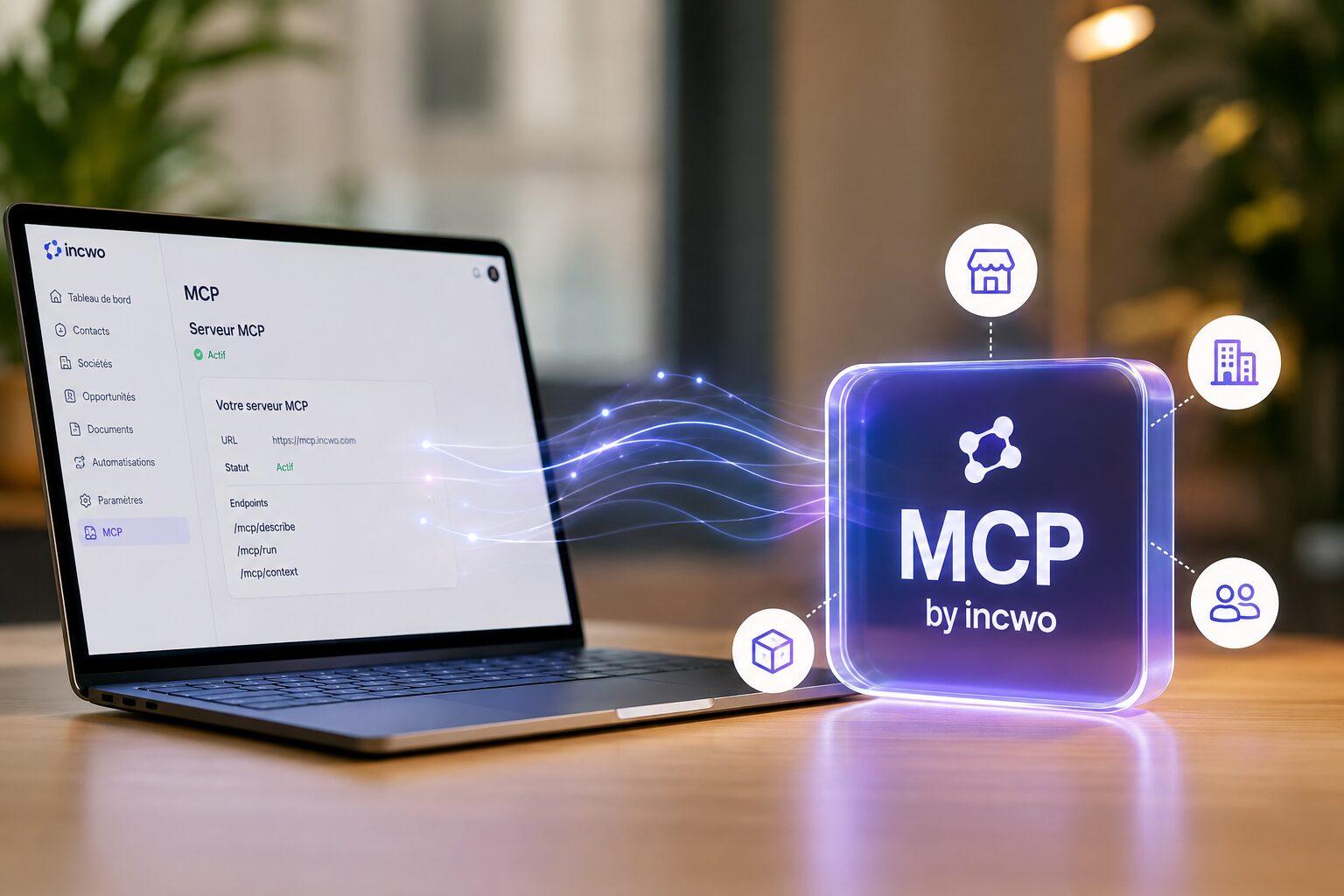
For your customers and suppliers
Your company MCP: an ordering channel open 24/7
Your customers and suppliers already use an AI assistant. With your company MCP, they plug a simple link into their assistant and talk to your catalog and their documents.
- Browse your catalog and product sheets
- Create a quote from your products, complete it, approve it
- Track their quotes, orders and invoices, download the PDFs
- Pay a deposit online, when you have enabled it
- Send you a message without leaving their assistant
Each contact only sees their own documents. Sign-in uses a one-time code sent by email. You enable the app on your account, then share a link.
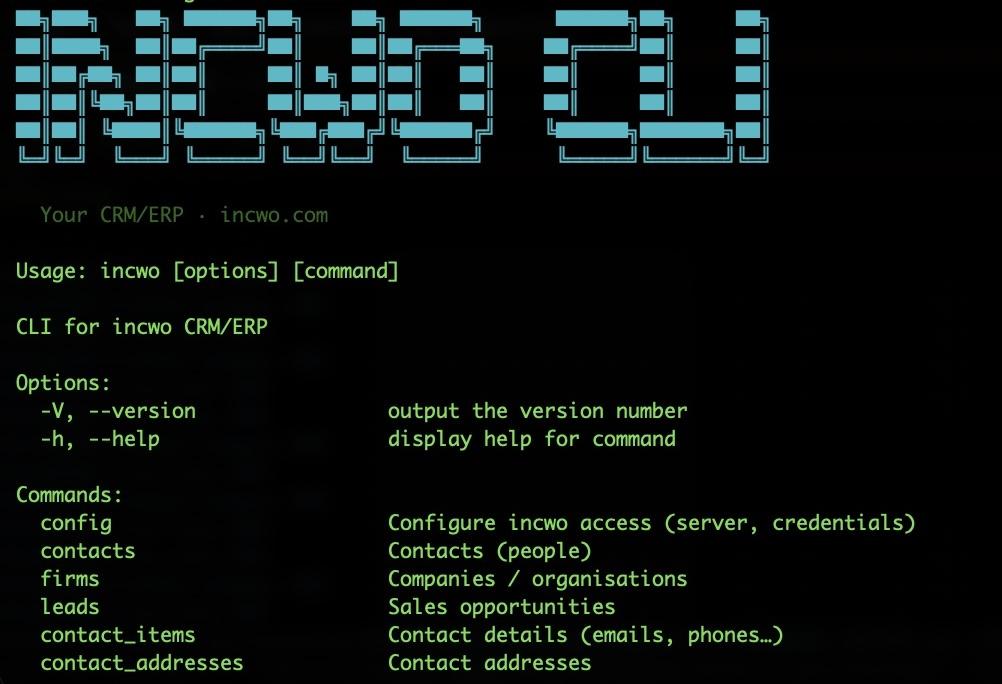
incwo-cli: the same API, on the command line
For a script, a data pipeline or an in-house tool, your developers do not need a conversational agent. incwo-cli speaks JSON, covers every resource for reading and writing, and an agent can also call it as an external tool.
npm install -g incwo-cli
incwo config
incwo bill_sheets list --from 2026-04-01
incwo contacts list --filter '{"last_name":{"eq":"Martin"}}'
Open source, MIT license.
Security and compliance, by design

Your access rights apply
The assistant only sees and changes what you are allowed to see and change, in your account only.
NF 525 compliant
A confirmed invoice is frozen: it cannot be edited or deleted. Lines can only be changed on drafts.
Personal token or OAuth 2.0
Each user generates their own access, with automatic expiry. Compatible clients can also use OAuth 2.0 with PKCE.
Protected files
PDFs and attachments go through very short-lived HTTPS links, never exposing the storage.
Up and running in two steps
- 1
Get your access
In incwo, open Account › Artificial Intelligence › MCP configuration. Your personal access is displayed.
- 2
Add the connector to your assistant
Claude, ChatGPT, Mistral or any MCP client: add the server address, https://www.incwo.com/mcp, with your token or through OAuth. The developer documentation covers each client.
Frequently asked questions
Which assistants are compatible?
Every client that implements the Model Context Protocol: Claude, ChatGPT, Mistral, Gemini, OpenClaw, Ollama, Qwen and the others. You are not tied to any AI vendor.
How is this different from the AI built into incwo?
The built-in AI works inside the incwo interface: writing, summaries, translations, Team AI agents. MCP does the opposite: it brings your incwo data into the assistant you already use.
Can my assistant edit a confirmed invoice?
No. NF 525 compliance applies: a confirmed invoice can be neither altered nor deleted. The assistant can edit the lines of a draft invoice, then confirm it if you ask it to.
Does the incwo MCP cost anything?
The MCP server is available to every incwo user. A dedicated tool reports your usage (AI, OCR, SMS…) month by month so you can keep an eye on it.
Do my customers need an incwo account to use my company MCP?
No. They receive a one-time code by email, add your MCP as a custom connector in their assistant, and only see their own documents.
What about my developers?
The REST API covers every resource, with credential-based authentication and per-object documentation. incwo-cli relies on the same API and speaks JSON.
Your data. Your AI. Connected.